
Available now on Google Play
Capture the reaction before the moment is gone.
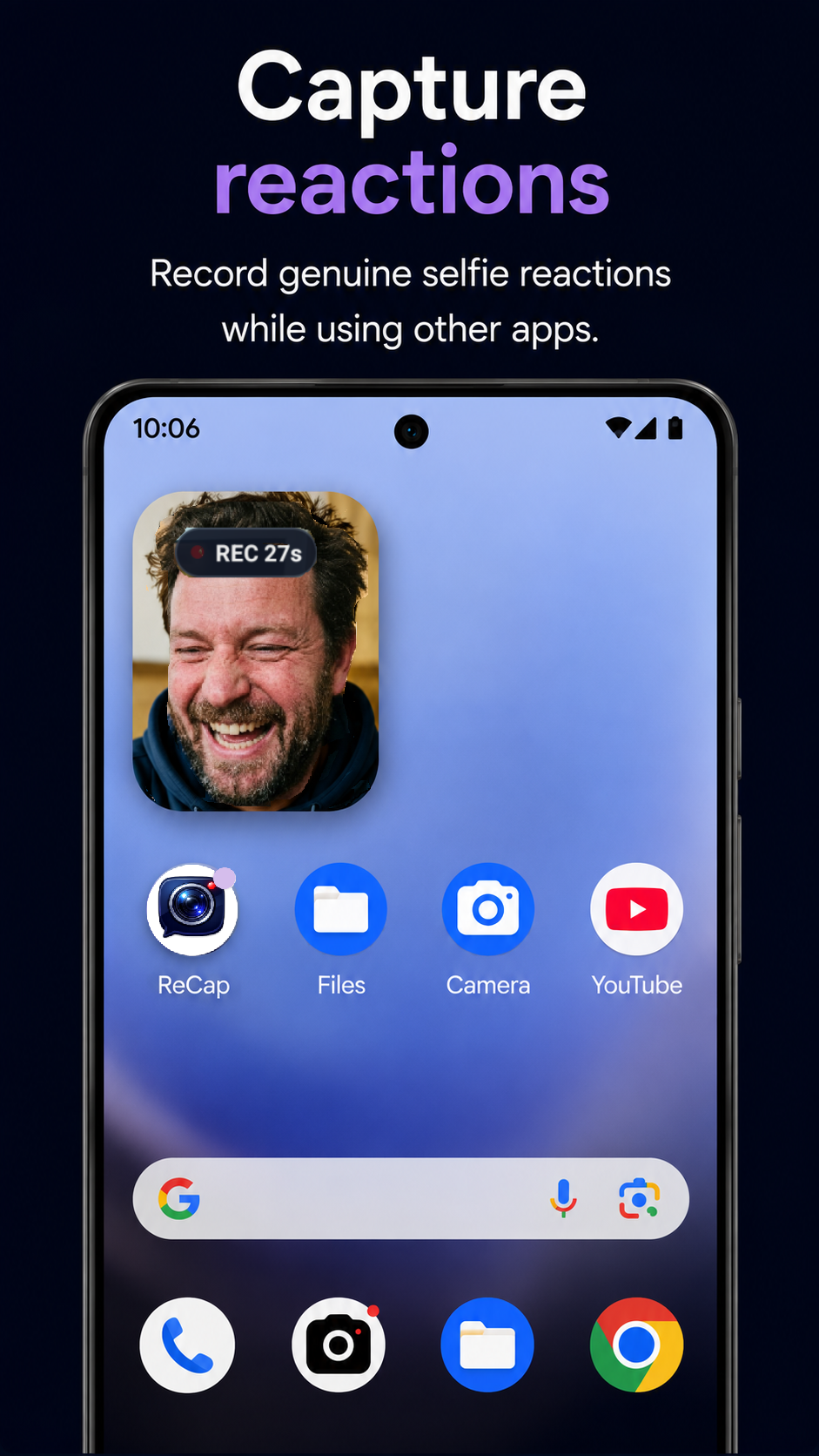
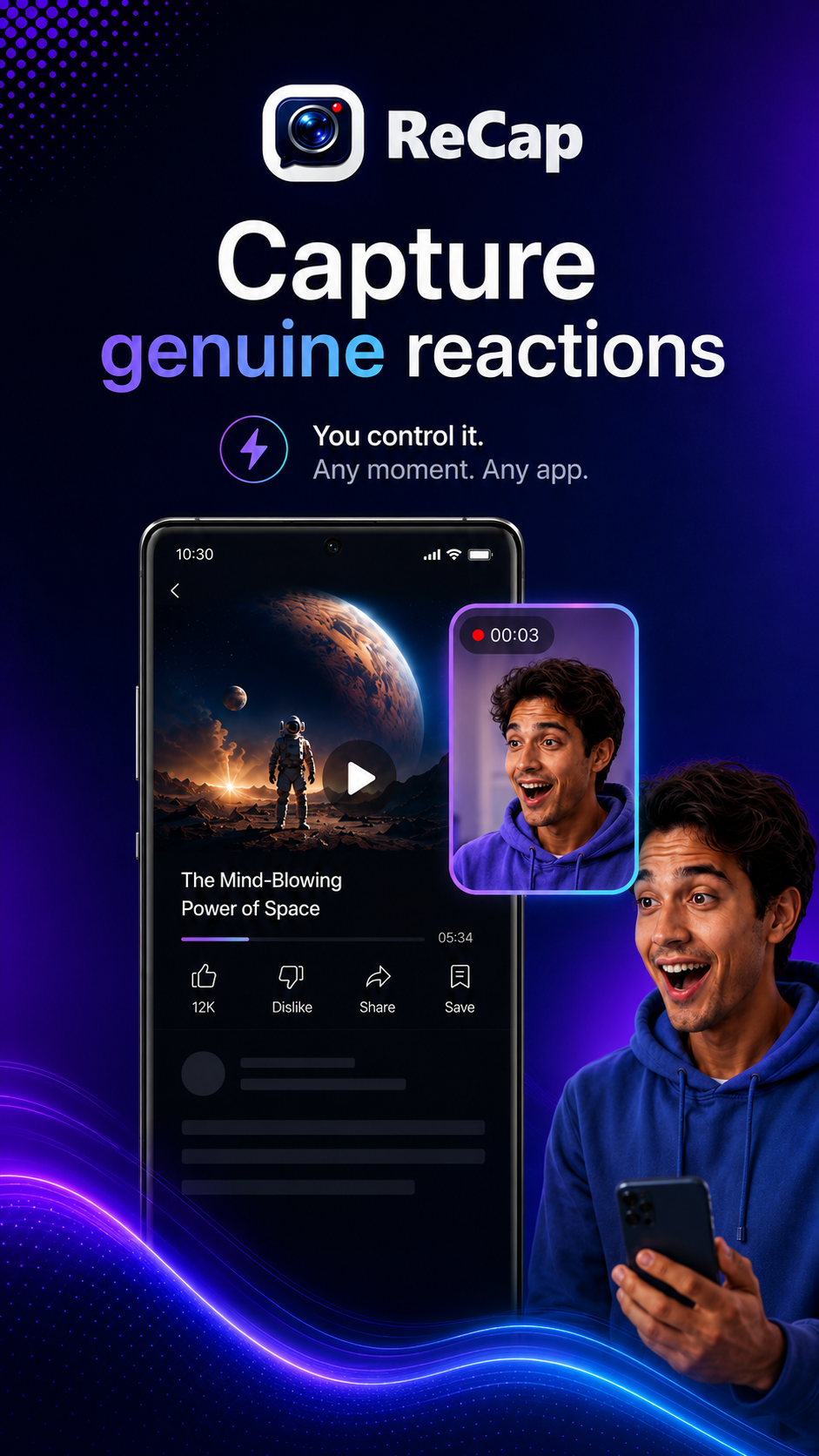
ReCap helps you record genuine selfie reaction videos while you’re using other apps — fast, lightweight and fully user-controlled.
No message reading. No notification spying. You decide when to capture.
How ReCap works.
Use ReCap in five simple moments: grant permissions, tap Arm ReCap in the app, open what you want to react to, tap the floating trigger, then review, trim and share. The Quick Settings tile is still available as an optional shortcut once you’re familiar with ReCap.
1
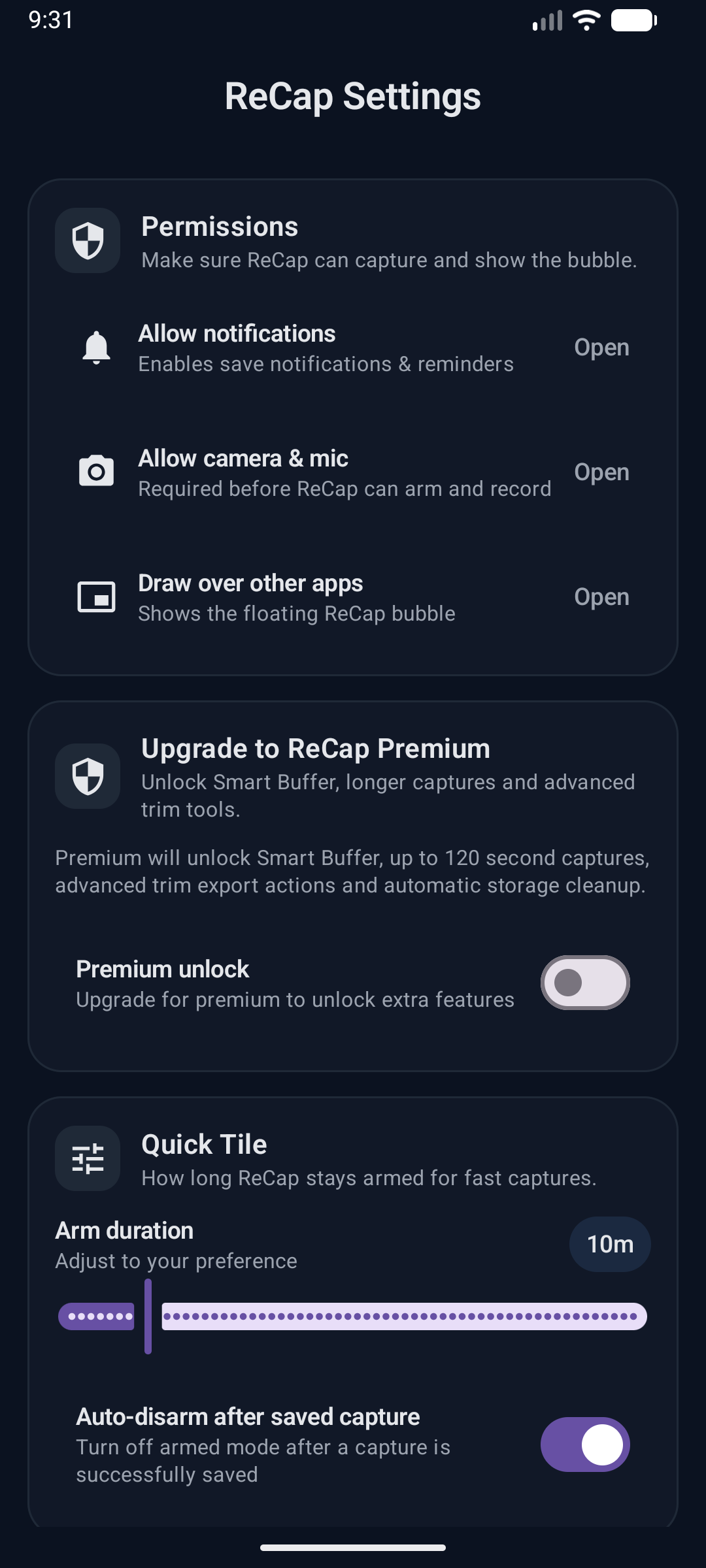
Allow permissions
Grant camera, microphone and overlay access so ReCap can record and show the floating trigger over other apps.
2
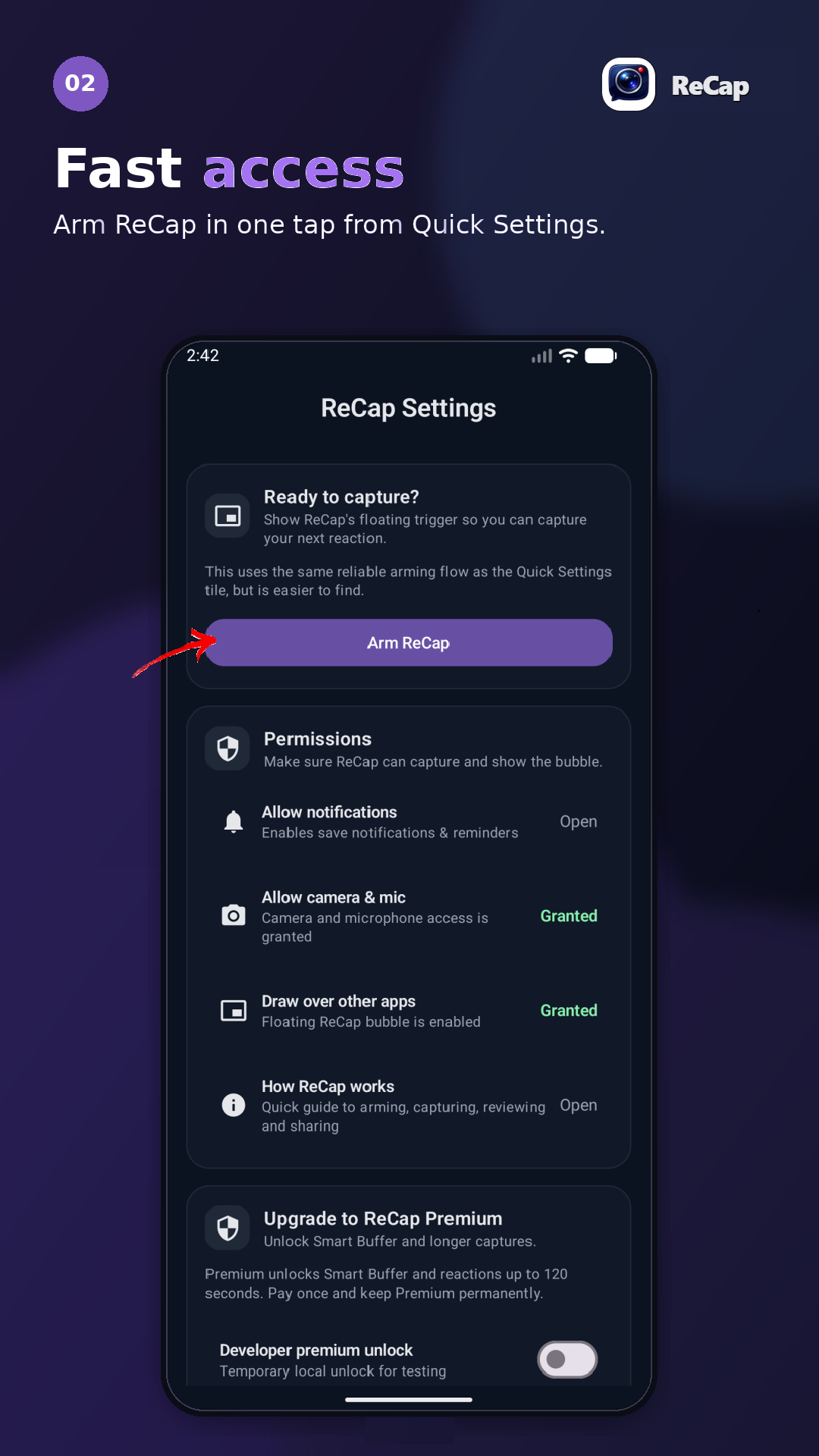
Tap Arm ReCap
Use the Arm ReCap button in the app to show the floating trigger when you want ReCap to be ready.
3
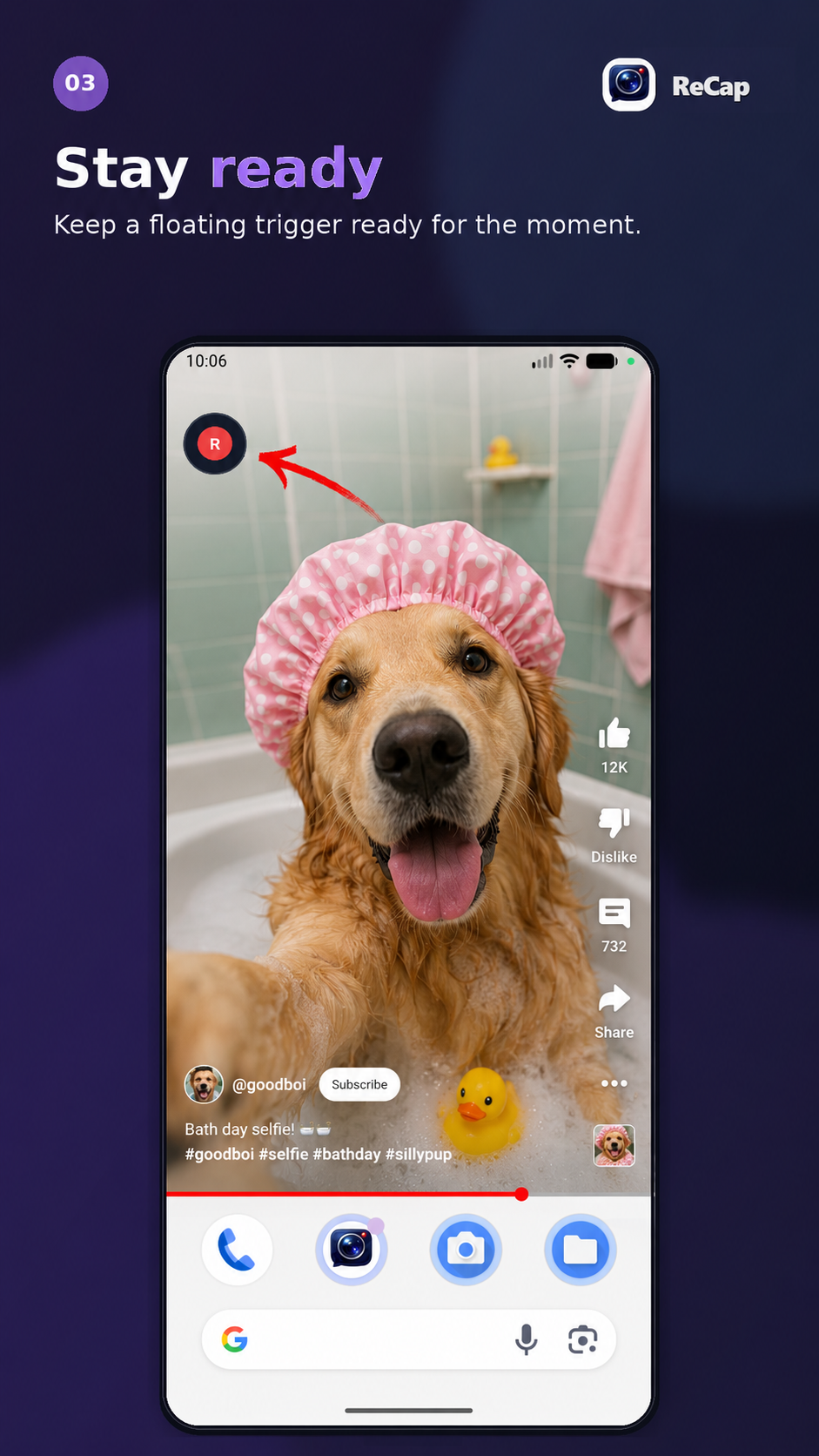
Stay ready
Once armed, ReCap waits with a floating trigger while you read, browse or watch something worth reacting to.
4
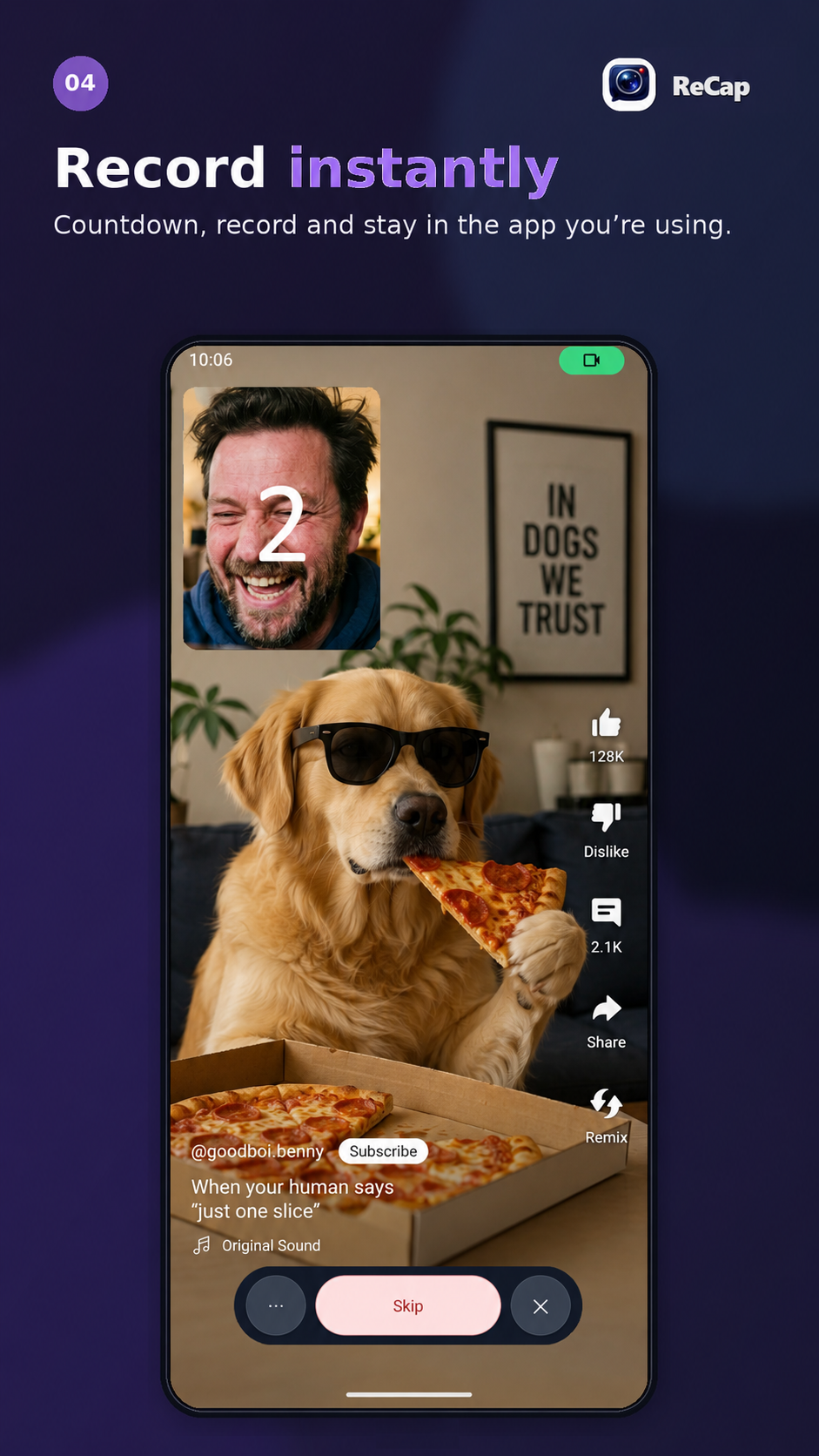
Tap the floating button
When the moment happens, tap the ReCap bubble and start capturing without leaving the app you’re using.
5
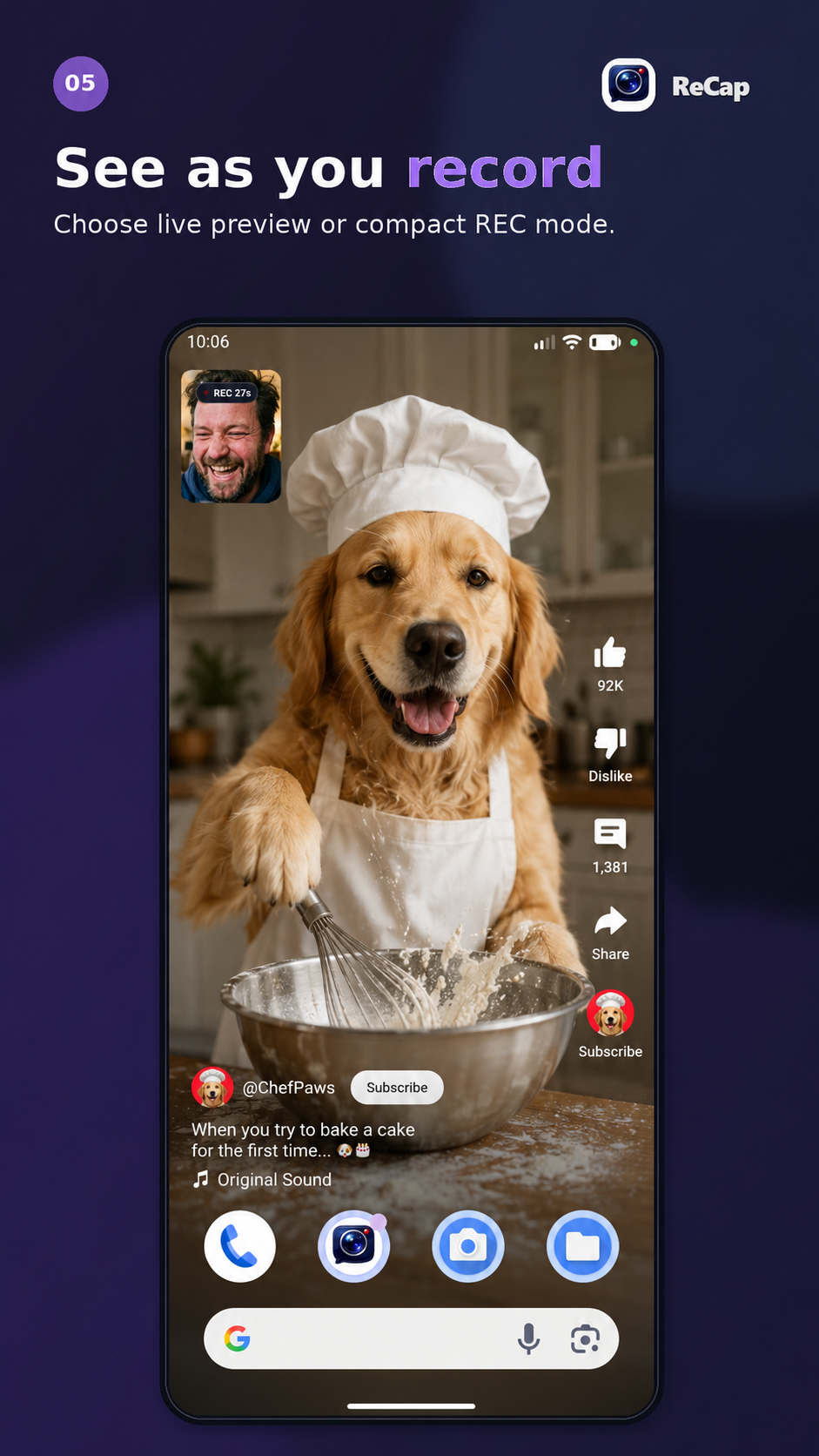
See as you record
Use live preview when you want to see the shot, or compact REC mode when you want a smaller, less distracting recording indicator.
6
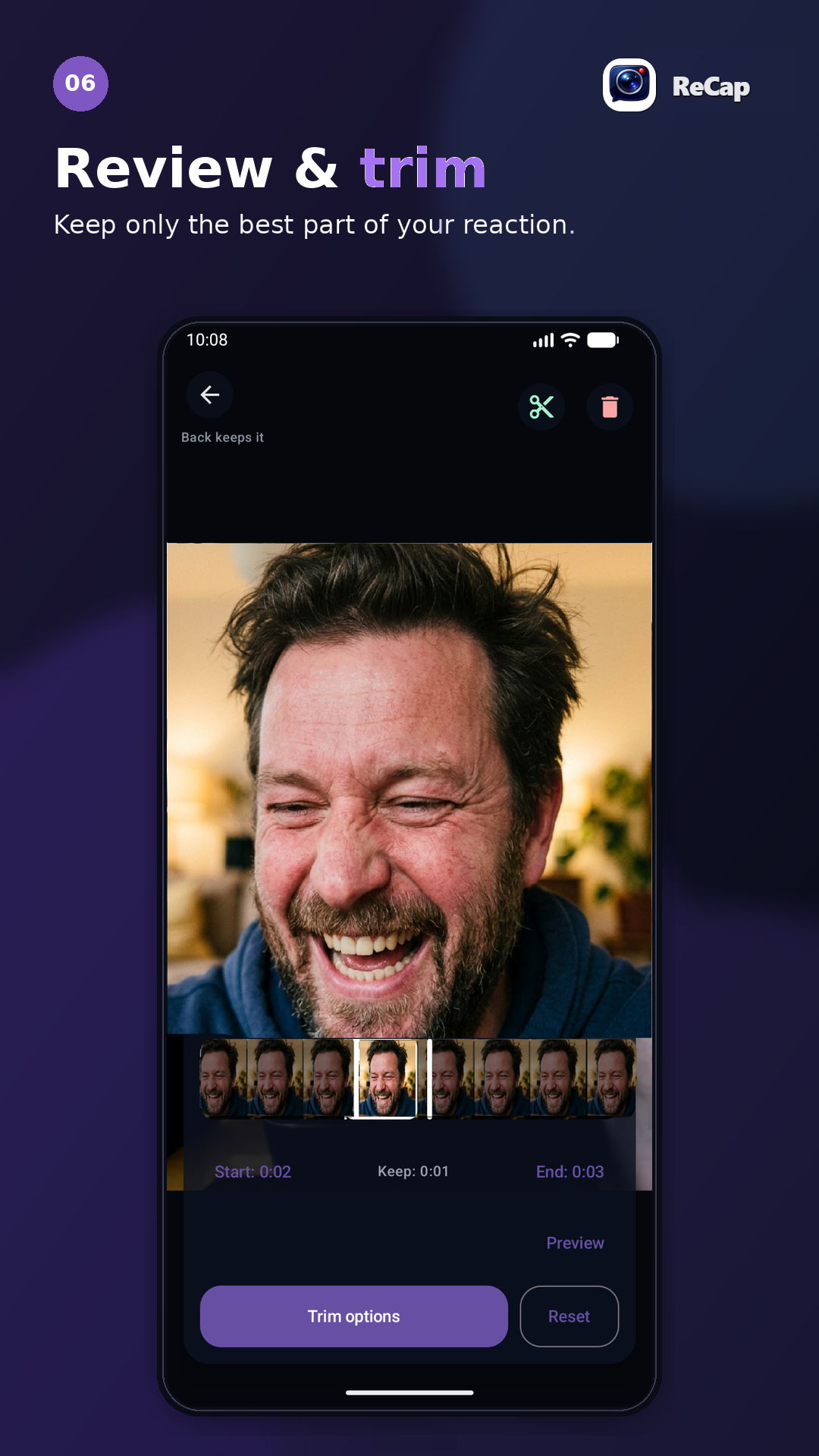
Review and trim
Open the saved reaction, play it back and trim the clip before sending it on.
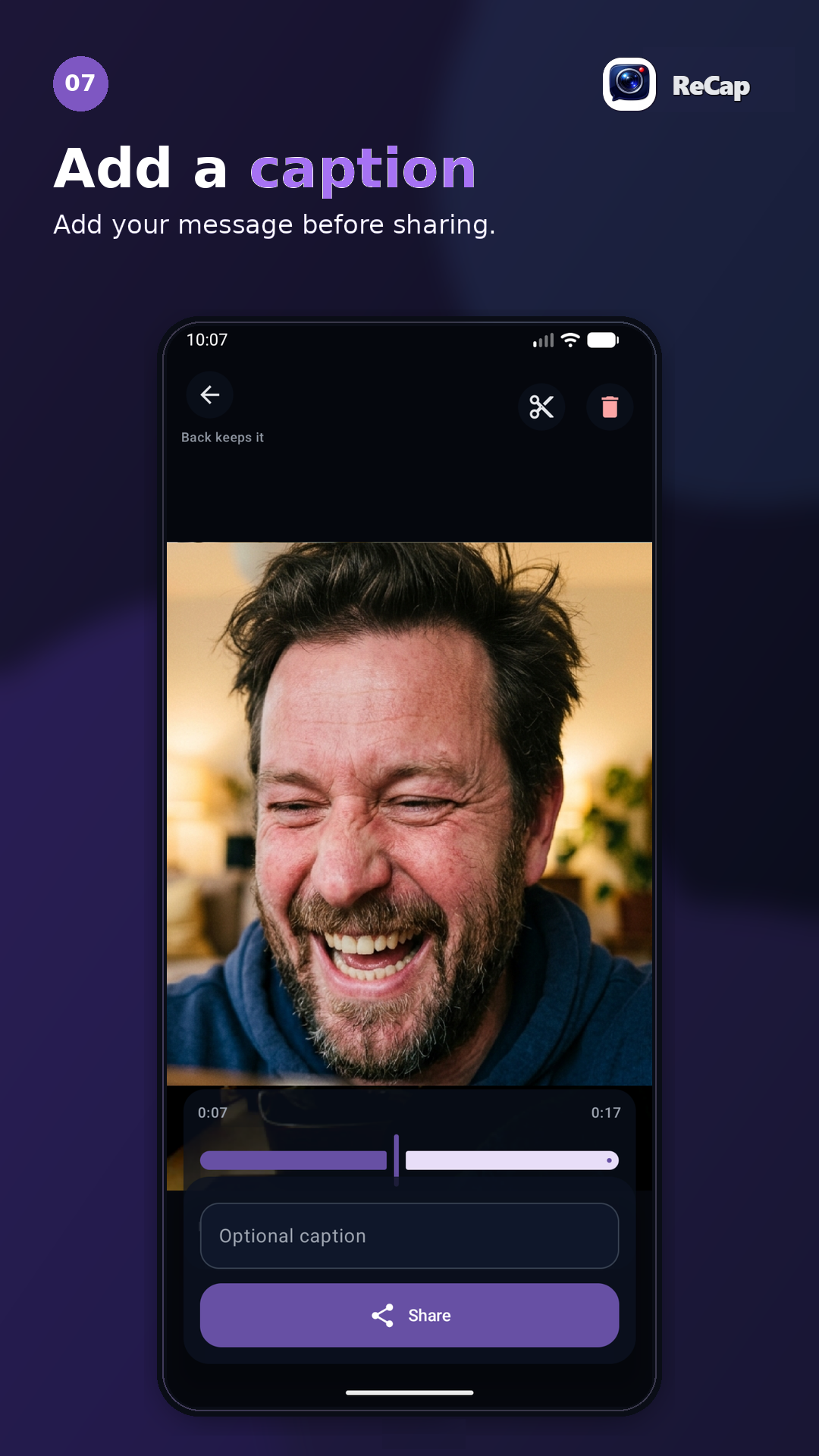
7
Add a caption
Add context before sharing. ReCap includes the message where the receiving app supports it.
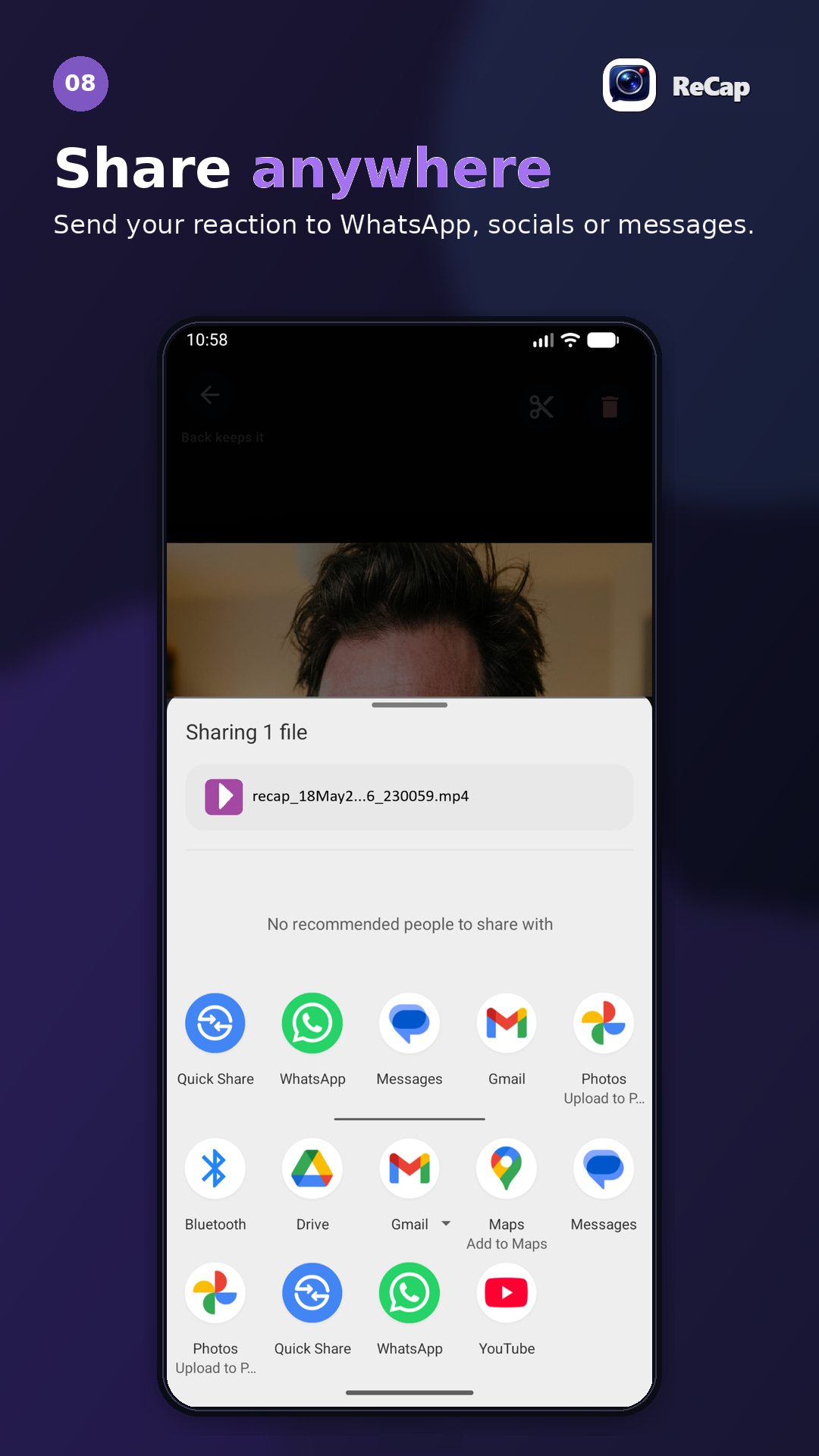
8
Share anywhere
Send your genuine reaction back through apps like WhatsApp, Instagram or any Android share target. For faster access next time, add the ReCap Quick Settings tile.
Capture your way.
ReCap gives you useful controls without making the app feel complicated. Choose how visible the overlay is, how quickly capture starts, and what happens after a recording is saved.
Small choices that make ReCap feel natural
- ✓Live preview or compact REC. See your camera preview while recording, or switch to compact mode when you want a smaller indicator and less distraction.
- ✓Adjust the countdown. Keep a short countdown, change the delay, skip it, or turn it off when you want faster capture.
- ✓Designed to stay out of the way. The toolbar can collapse automatically, the bubble can snap to the screen edge, and the overlay can be tucked away when you need more space.
- ✓You choose what happens after saving. ReCap can open review automatically, show an optional save notification, or auto-disarm after a successful capture.
Private by design. User-controlled by default.
ReCap is built around a simple idea: your reaction is yours, and capture should only happen when you choose it.
What ReCap does — and does not — do
- ✓Records only when you start capture. You control when ReCap records.
- ✓Saves captures locally. Videos are stored on your device unless you choose to share them.
- ✓Does not read your messages. ReCap is not a message reader or notification listener.
- ✓No hidden prompts. The app is designed to be lightweight, direct and non-creepy.
ReCap is live on Google Play.
Download ReCap for free, then unlock Premium in the app when you want Smart Buffer and longer captures.